Script Checks Shopify Product Handles for Import Errors
A Python script checks Shopify product handles for issues before import, ensuring they are URL-safe and free from duplicates or formatting errors.

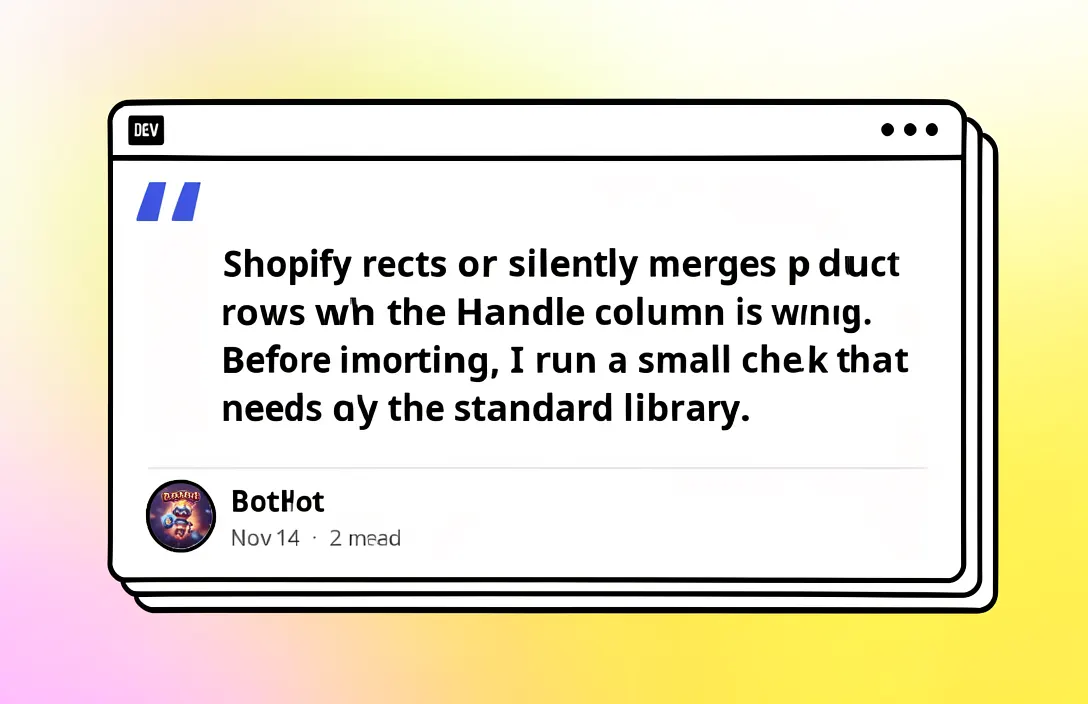

A Python script is used to validate Shopify product CSV files by checking handle columns for errors before import. The script ensures that handles are URL-safe, non-empty, and consistent across rows. It uses regular expressions to verify that handles contain only lowercase letters, numbers, and hyphens, rejecting any handles with spaces, capital letters, or underscores (Dev.to, 2023). [1]
The script identifies issues such as empty handles, non-URL-safe handles, and duplicate handles that appear after other products. It also detects when a product title is assigned to a handle that has already been used in a different row. These checks help prevent data corruption or unexpected behavior during Shopify imports (Dev.to, 2023). [1]
The script is designed to be used in a command-line environment and returns an exit code of 1 if any problems are found, allowing it to be integrated into scripts or continuous integration pipelines. It does not validate other fields such as images, prices, or SKUs, focusing solely on handle-related issues (Dev.to, 2023). [1]
The script checks for product import issues in Shopify by validating the Handle column in CSV files, ensuring it is URL-safe, contiguous, and unique. The process is applied to CSV files imported into Shopify, which are typically generated from spreadsheet tools like Excel. The script reads CSV files with UTF-8-SIG encoding to handle the BOM (Byte Order Mark) that Excel may add, ensuring compatibility with Shopify's import requirements. The code is executed as a standalone Python script and is intended for use in automation workflows or CI/CD pipelines to validate product data before import. The script does not check other product details like images, prices, or SKUs, as these are handled in separate checks. [1]
Advertisement
The CSV files processed by the script are structured with specific columns, including Handle and Title, and are used to import products into Shopify. The script is designed to work with CSV files that may contain up to several hundred or more rows, depending on the number of products being imported. The script does not support checking for product variants beyond ensuring that handles are contiguous, as variants must appear in consecutive rows. The script assumes that the CSV file is correctly formatted with a header row, and line numbers in the output correspond to the actual rows in the spreadsheet, with the first row being the header. The script is limited to checking the Handle column and does not validate other product attributes such as descriptions or inventory details. [1]
The script was developed to address common issues that occur when importing products into Shopify, such as duplicate handles, non-URL-safe characters in handles, and non-contiguous product rows. These issues can lead to Shopify silently merging or rejecting product rows, resulting in incorrect or incomplete product data in the Shopify admin. The script is intended for use by Shopify store owners, developers, and automation engineers who need to validate product CSV files before import. It is not designed for use with Shopify's API or for automated imports that occur through Shopify's built-in tools. The script is limited to checking the Handle column and is not suitable for validating other aspects of product data such as pricing, inventory, or image URLs. [1]
The script checks for empty handles, which can cause Shopify to reject or silently merge product rows. It also verifies that handles are URL-safe, meaning they do not contain spaces, capitals, or underscores. This is important because Shopify requires handles to follow specific formatting rules to ensure proper functionality. The script uses regular expressions to validate the format of the handles. If a handle does not meet the URL-safe criteria, the script flags it as an error. Evidence supporting this is found in the Dev.to article, which describes how the script checks for these issues (source ID 1). [1]
The script also checks for duplicate handles that appear after other products. This is important because Shopify requires that product variants be contiguous, meaning that if a product has variants, they must appear consecutively in the CSV file. If a handle reappears after other products, the script flags this as an error. Additionally, the script checks for duplicate titles associated with the same handle. If two rows have the same handle but different titles, the script flags this as an error. This is also described in the Dev.to article, which explains how the script identifies these issues (source ID 1). [1]
Advertisement
The script is designed to be used in a command-line environment and returns an exit code of 1 if any problems are found. This allows the script to be integrated into scripts or continuous integration pipelines. The script uses the standard library and does not require any additional dependencies. It also handles the BOM that Excel adds to CSV files, ensuring compatibility with files created in Excel. This functionality is also described in the Dev.to article, which explains how the script is used and its integration capabilities (source ID 1). [1]
Sources
Prepared with AI assistance from the cited sources.
The Cali Reporter newsletter
The stories worth your time.
California, the country, and what comes next. Join our free newsletter for reporting that keeps you informed.
More in Technology
- Modern Web Guidance 1.0 and Browser Compatibility
Modern Web Guidance 1.0, announced by Chrome for Developers on November 10, introduces browser compatibility data to assist coding agents in building web features. The initiative emphasizes the importance of fallback…
- Apache mod_http2 Vulnerability Detection with Nmap
A new Nmap scripting module has been developed to detect the Apache mod_http2 vulnerability (CVE-2026-119618), addressing the challenges of identifying affected systems accurately.
- Securing Remote Vendor Access in Industrial Networks
Best practices for managing remote vendor access in operational technology (OT) networks emphasize controlled access points, multifactor authentication, and time-bound sessions to reduce cybersecurity risks.