RSS to JSON Conversion Using Apify Actor
A guide on converting RSS feeds to JSON format using the Apify platform, including steps to run the conversion and export results.

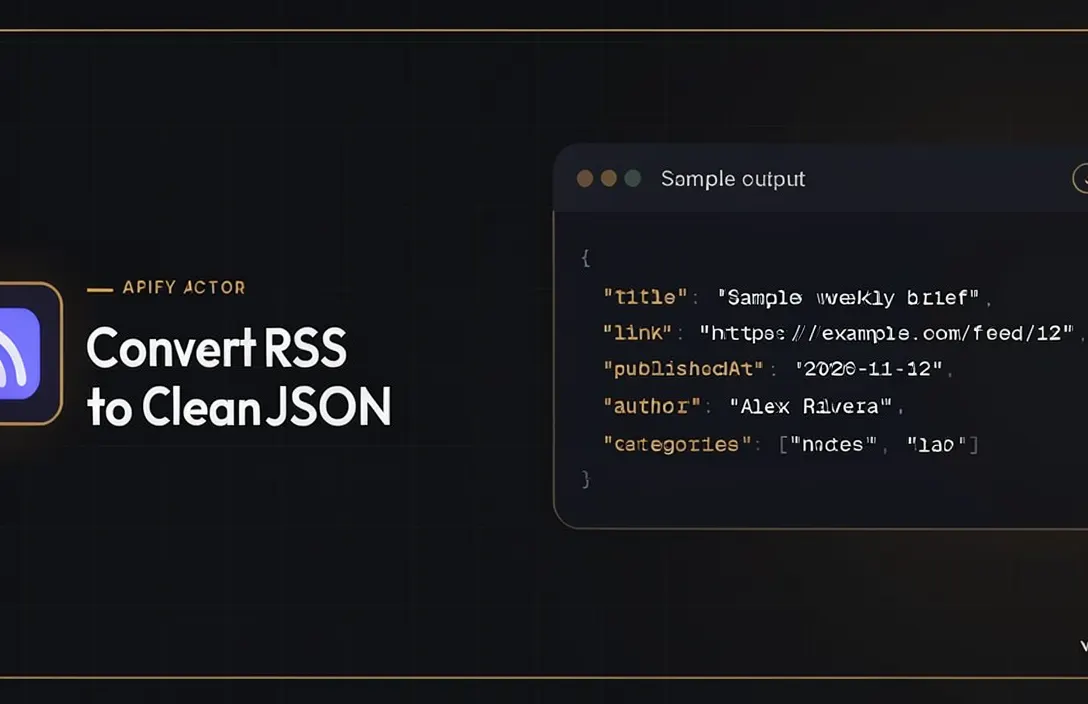

The Apify platform provides a method to convert RSS feeds into JSON format, supporting RSS, Atom, and JSON Feed formats. This process involves using an Apify Actor, which parses the feeds into a standardized schema, including fields such as title, link, authors, dates, and content. The Actor can automatically discover feeds from a website URL, eliminating the need for direct feed URLs. Users can run this conversion through the Apify Console by visiting the specified URL and following the steps outlined in the guide. The process includes pasting URLs, setting maximum items per feed, and applying optional filters. The output is then exported as JSON or CSV files, providing a structured dataset for further use. [1]
The Apify Actor can also be executed from Python using the apify-client package, which allows for automation and scheduling of the conversion process. Users need to install the client, obtain an Apify token, and call the Actor with the specified input parameters. The sample code provided in the guide demonstrates how to use the ApifyClient to run the Actor and iterate through the dataset items. The JavaScript client can be used similarly, using the same Actor ID and input object. Additionally, the Actor can be initiated via an HTTP POST request to the Apify API, offering flexibility in how users interact with the service. [1]
The output from the Apify Actor includes a sample dataset record with fields such as title, link, summary, and content, illustrating the schema used for the converted data. Users can choose to export the dataset as CSV for spreadsheet use or retain the JSON format for integration with code and language models. The guide also highlights the pricing model, which is based on a pay-per-result structure, and advises users to keep initial inputs small for testing purposes. Additionally, the Actor can be scheduled for regular runs, and webhooks or automation tools can be used to trigger actions when new feed items are detected. [1]
The Apify Actor parses RSS, Atom, RDF, and JSON Feed into a single schema, including fields such as title, link, authors, dates, categories, images, full content, and podcast enclosures with durations. The Actor can automatically discover feeds from a website URL, making it easier to convert feeds without needing direct feed URLs. The process involves pasting a website URL, setting parameters like maximum items per feed, and exporting the results as JSON or CSV. This method is useful for developers who prefer not to maintain feedparser code in every project and can be used as a stable API for data retrieval (Dev.to, 2026). [1]
Advertisement
The Apify Actor can be executed from Python using the apify-client package, which allows for automation and scheduling of the conversion process. Developers can install the official client and call the Actor by its Store ID, replacing the placeholder with a token from the Apify Console. The Actor provides a sample dataset record with fields such as title, link, summary, and content, illustrating the schema used for the converted data. This makes it easy to integrate the converted data into other applications or systems (Dev.to, 2026). [1]
The output from the Apify Actor includes a sample dataset record with fields such as title, link, summary, and content, illustrating the schema used for the converted data. The dataset is already flattened, so it can be used directly as the RSS-to-JSON output. The Actor also provides the ability to export the data as a CSV or JSON file, which can be useful for data analysis or integration into other systems. This makes it a versatile tool for developers and data analysts who need to work with feed data (Dev.to, 2026). [1]
Sources
Prepared with AI assistance from the cited sources.
The Cali Reporter newsletter
The stories worth your time.
California, the country, and what comes next. Join our free newsletter for reporting that keeps you informed.
More in Technology
- Modern Web Guidance 1.0 and Browser Compatibility
Modern Web Guidance 1.0, announced by Chrome for Developers on November 10, introduces browser compatibility data to assist coding agents in building web features. The initiative emphasizes the importance of fallback…
- Apache mod_http2 Vulnerability Detection with Nmap
A new Nmap scripting module has been developed to detect the Apache mod_http2 vulnerability (CVE-2026-119618), addressing the challenges of identifying affected systems accurately.
- Securing Remote Vendor Access in Industrial Networks
Best practices for managing remote vendor access in operational technology (OT) networks emphasize controlled access points, multifactor authentication, and time-bound sessions to reduce cybersecurity risks.