Nintendo Switch 2 Battery Life and Optimization Tips
The Nintendo Switch 2 offers improved performance but comes with challenges in battery life, prompting users to seek ways to extend its usage. According to Engadget, battery life varies significantly depending on the…

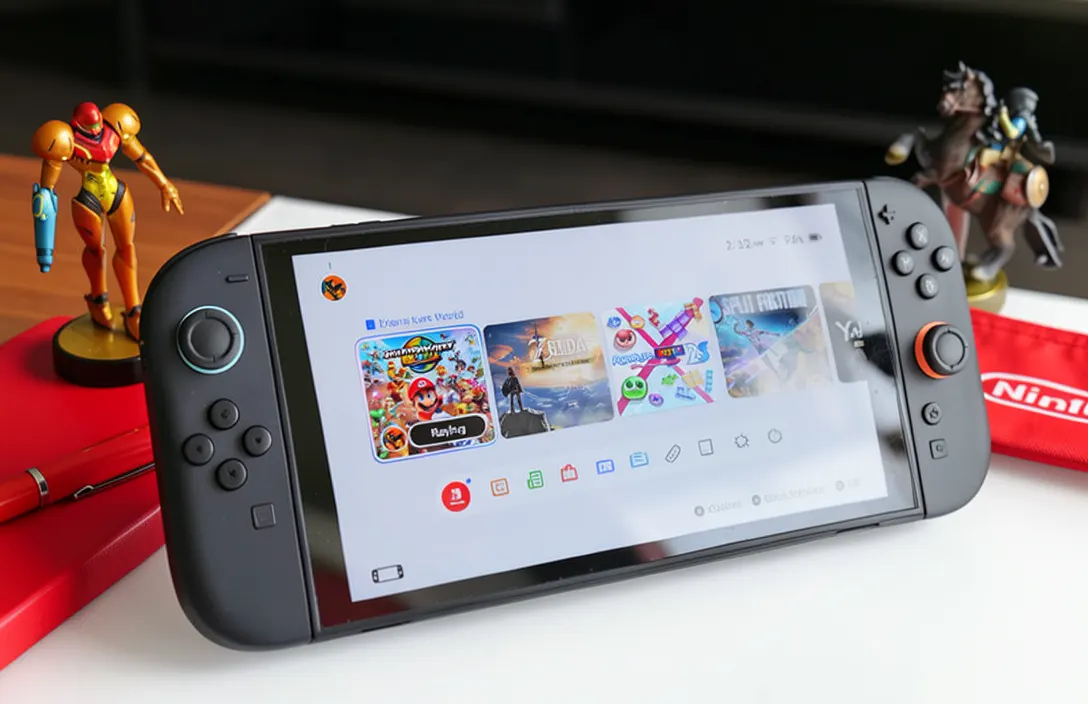
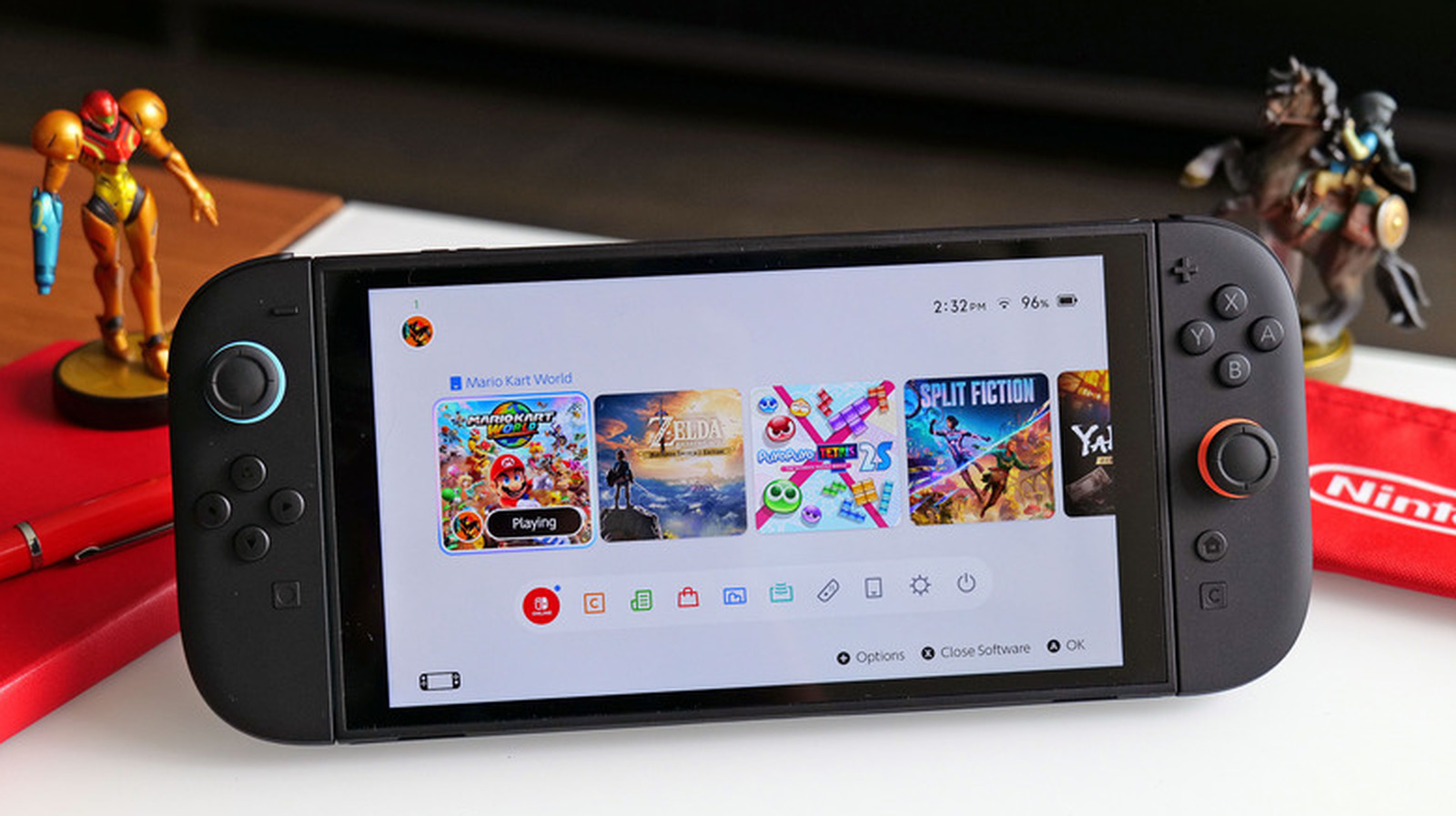
The Nintendo Switch 2 provides a battery life range of 2 to 6.5 hours in handheld or tabletop mode, according to Engadget. This range can vary significantly depending on the game being played and the console's settings. Processor-intensive 3D games, such as Cyberpunk 2077, are particularly draining on the battery, leading to shorter usage times. This variation is due to the console's increased capabilities compared to its predecessor, which handle modern gaming demands more efficiently but at the cost of battery life. [1]
One of the simplest ways to extend the Nintendo Switch 2's battery life is by lowering the screen brightness. Engadget notes that high brightness settings significantly impact battery drain. Users can adjust brightness through the Quick Settings menu or by navigating to System Settings > Screen Brightness. Additionally, the automatic brightness feature may not always provide the optimal balance for different gaming environments, making manual adjustments more effective for conserving battery life. [1]
Disabling unnecessary wireless features, such as Wi-Fi and Bluetooth, can also help preserve battery life. Engadget explains that enabling Airplane Mode from the Quick Settings menu or through System Settings > Airplane Mode allows users to customize which features remain active. Turning off Wi-Fi when not needed reduces the console's effort to scan for networks, while keeping Bluetooth on may still allow for the use of wireless accessories like headphones. [1]
The Nintendo Switch 2 provides a battery life range of 2 to 6.5 hours in handheld or tabletop mode, according to Engadget. This range can vary significantly depending on the type of games being played and the console's settings. For instance, playing processor-intensive 3D games, such as Cyberpunk 2077, will result in shorter battery life compared to simpler games or 2D platformers. The variation in battery life is a direct result of the console's hardware capabilities and the demands of different game titles. [1]
Advertisement
One of the simplest ways to extend the Nintendo Switch 2's battery life is by lowering the screen brightness. According to Engadget, the display brightness is a major factor in battery drain. Users can adjust the brightness by pressing and holding the Home button on the controller to access the Quick Settings menu or by navigating to System Settings > Screen Brightness. Lowering the brightness can significantly increase battery life without compromising the gaming experience. [1]
Disabling unnecessary wireless features, such as Wi-Fi and Bluetooth, can also help preserve battery life. As noted by Engadget, these features consume power even when not in active use. Users can enable Airplane Mode from the Quick Settings menu or through System Settings > Airplane Mode to disable these features when they are not needed. This can help extend battery life, especially during offline gameplay or when using the console in a low-power setting. [1]
The Nintendo Switch 2 provides a battery life range of 2 to 6.5 hours in handheld or tabletop mode, according to Engadget. This range can vary significantly depending on the games played and console settings. For instance, processor-intensive 3D games like Cyberpunk 2077 will drain the battery faster, pushing the life closer to the lower end of the range. In contrast, simpler games such as indie titles or 2D platformers are more battery-friendly. This variation highlights the importance of game selection in managing battery life. [1]
One of the simplest ways to extend the Nintendo Switch 2's battery life is by lowering the screen brightness. According to Engadget, reducing the screen brightness can significantly reduce power consumption, as the display is a primary factor in battery drain. Users can adjust the brightness by accessing the Quick Settings menu or through System Settings > Screen Brightness. Additionally, the automatic brightness setting may not always provide the optimal balance for all games, especially those with dark environments. [1]
Advertisement
Disabling unnecessary wireless features, such as Wi-Fi and Bluetooth, can also help preserve battery life. Engadget notes that enabling Airplane Mode (or Flight Mode in some regions) from the Quick Settings menu or through System Settings > Airplane Mode can prevent the console from scanning for networks when not needed. This feature allows users to selectively disable Wi-Fi while keeping Bluetooth on for devices like wireless headphones, further optimizing power usage. [1]
Sources
Prepared with AI assistance from the cited sources.
The Cali Reporter newsletter
The stories worth your time.
California, the country, and what comes next. Join our free newsletter for reporting that keeps you informed.
More in Technology
- Modern Web Guidance 1.0 and Browser Compatibility
Modern Web Guidance 1.0, announced by Chrome for Developers on November 10, introduces browser compatibility data to assist coding agents in building web features. The initiative emphasizes the importance of fallback…
- Apache mod_http2 Vulnerability Detection with Nmap
A new Nmap scripting module has been developed to detect the Apache mod_http2 vulnerability (CVE-2026-119618), addressing the challenges of identifying affected systems accurately.
- Securing Remote Vendor Access in Industrial Networks
Best practices for managing remote vendor access in operational technology (OT) networks emphasize controlled access points, multifactor authentication, and time-bound sessions to reduce cybersecurity risks.