MacOS Tips for Efficient Use with AI Agents
This article explores various macOS tricks that can enhance productivity when working with AI agents, focusing on features that help manage long-running tasks, streamline workflows, and improve overall user experience.

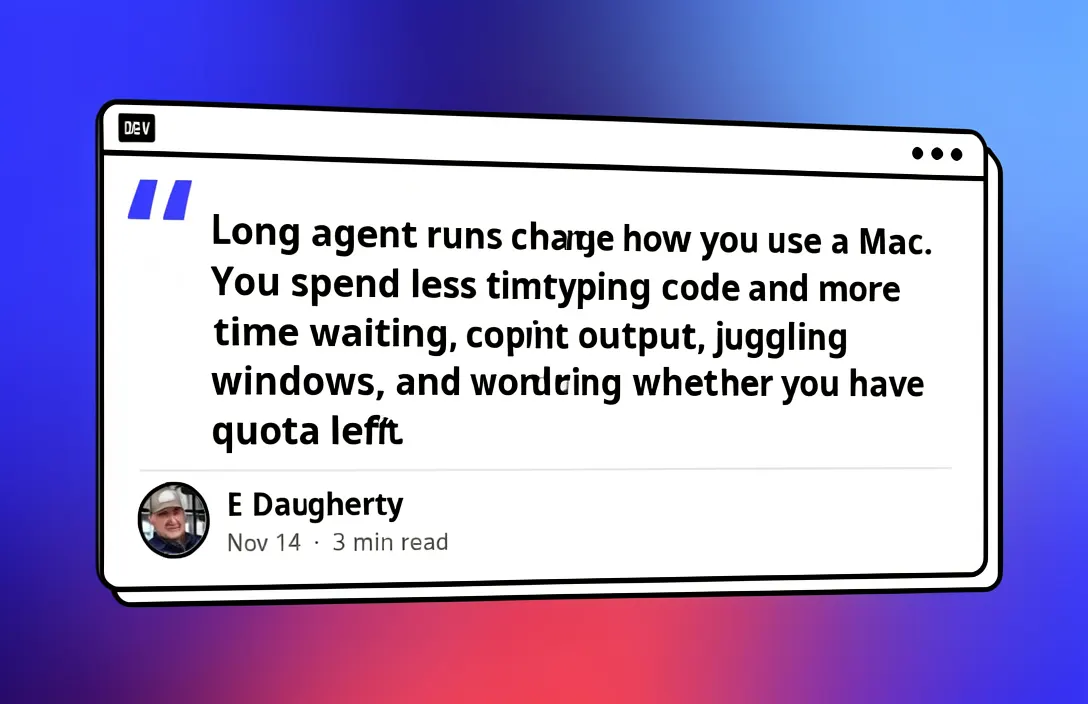

Long agent runs change how users interact with their Macs. Users spend less time typing code and more time waiting, copying output, and managing windows. One effective method to keep the Mac awake during long tasks is using the caffeinate command. By running 'caffeinate -dis' in a terminal tab, macOS will remain active until the user presses Control-C. Alternatively, wrapping a command with 'caffeinate -i' ensures the system doesn't sleep during specific tasks, as noted in the Dev.to article. [1]
To enhance productivity, users can make the terminal notify them when a task is complete. Appending '; say done' to any slow command, such as 'npm run build; say done', allows the user to hear an audio alert instead of constantly checking the terminal. This tip, found in the Dev.to article, helps users focus on other tasks while their agent runs in the background. [1]
Managing windows and the menu bar efficiently can also improve user experience. The Hot Corner feature in System Settings allows users to lock the screen by setting a corner to trigger the lock screen action. This is particularly useful when stepping away from the computer while an agent is running, as detailed in the Dev.to article. Additionally, using Rectangle, a free and open-source tool, enables users to snap windows to halves or thirds of the screen, enhancing workflow efficiency. [1]
The article discusses specific macOS tools and settings that enhance productivity during long agent runs on a Mac. One such tool is caffeinate, which prevents the Mac from sleeping during long tasks. Users can run caffeinate -dis in a terminal tab or wrap a command with caffeinate -i, such as caffeinate -i npm test, to keep the machine active until the task is complete. This detail is supported by the Dev.to article, which explains how caffeinate helps avoid interruptions during extended processes. [1]
Advertisement
Another key feature is the use of the say command to receive audio notifications when a process completes. By appending ; say done to a slow command, like npm run build; say done, users can hear when the task finishes without constantly checking the terminal. This method is described in the Dev.to article as a simple way to stay informed without manual oversight. [1]
The article also highlights the use of Hot Corners in macOS to lock the screen quickly. By setting a corner in System Settings > Desktop & Dock > Hot Corners to Lock Screen, users can flick the mouse to that corner and lock their screen, ensuring security when stepping away from their workstation. This detail is directly mentioned in the Dev.to article as a practical tip for managing screen access. [1]
The Dev.to article further explains the utility of pbcopy and pbpaste for managing text between the terminal and the clipboard. For example, users can pipe text from the terminal to the clipboard with git diff | pbcopy, and similarly paste text from the clipboard into a file with pbpaste > notes.md. This functionality is described as a seamless way to move information between applications and the terminal. [1]
Raycast Clipboard History is another tool mentioned in the Dev.to article for managing snippets generated by agents. Raycast's free core app provides a searchable history of copied text, links, and images, making it easier to reuse content quickly. The article notes this as a helpful feature for developers working with AI agents who frequently generate and reuse code snippets. [1]
Advertisement
Long agent runs change how users interact with their Macs. To prevent the machine from sleeping during a task, users can use the caffeinate command in a terminal tab. Running 'caffeinate -dis' ensures macOS remains awake until the user presses Control-C, or the command can be wrapped around a specific task such as 'caffeinate -i npm test' (Dev.to, 2026). [1]
Users can also make the terminal notify them when a task is complete by appending '; say done' to any slow command, such as 'npm run build; say done'. This allows users to go about other tasks and hear when the command finishes instead of constantly checking (Dev.to, 2026). [1]
To manage the menu bar and windows efficiently, users can use tools like Rectangle for window snapping and Ghostty for a quick terminal. Rectangle is free and open source, allowing users to snap windows to halves or thirds with keyboard shortcuts, while Ghostty provides a drop-down terminal that slides in from the edge of the screen (Dev.to, 2026). [1]
Sources
Prepared with AI assistance from the cited sources.
The Cali Reporter newsletter
The stories worth your time.
California, the country, and what comes next. Join our free newsletter for reporting that keeps you informed.
More in Technology
- Modern Web Guidance 1.0 and Browser Compatibility
Modern Web Guidance 1.0, announced by Chrome for Developers on November 10, introduces browser compatibility data to assist coding agents in building web features. The initiative emphasizes the importance of fallback…
- Apache mod_http2 Vulnerability Detection with Nmap
A new Nmap scripting module has been developed to detect the Apache mod_http2 vulnerability (CVE-2026-119618), addressing the challenges of identifying affected systems accurately.
- Securing Remote Vendor Access in Industrial Networks
Best practices for managing remote vendor access in operational technology (OT) networks emphasize controlled access points, multifactor authentication, and time-bound sessions to reduce cybersecurity risks.