Local Voice Recording in the Browser
This section discusses the technical implementation of in-browser voice recording using Web APIs, focusing on user permissions, media handling, and mobile browser considerations.

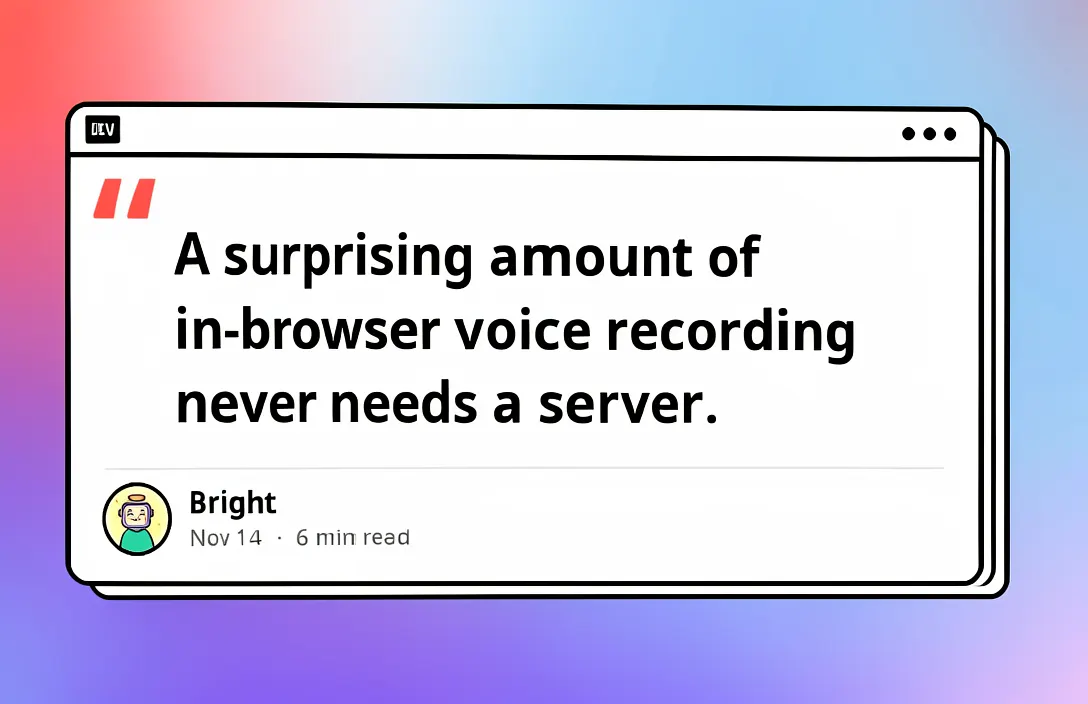

In-browser voice recording can be achieved without server involvement using APIs such as getUserMedia, MediaRecorder, and the Web Audio API. This method allows users to capture, replay, and download voice recordings directly within the browser, with the data remaining on the device unless explicitly exported. According to the Dev.to article, this approach is utilized in projects like Choicer Voicer Hub, a free, unofficial fan project that enables users to record voice lines for short acting scenes. Recordings are not uploaded, and the project emphasizes the use of local storage for all media handling. [1]
To ensure proper microphone access, the article recommends requesting permissions from a clearly labeled control, such as a 'Record line' button, rather than prompting on page load. This minimizes the risk of users denying access before understanding the purpose. The article also highlights the importance of using secure contexts (HTTPS or localhost) for getUserMedia to function correctly. Additionally, it suggests setting modest audio constraints, such as echo cancellation and noise suppression, to ensure a high-quality recording experience. If permissions are denied or if no input device is found, users are guided to check their device settings. [1]
Mobile Safari presents unique challenges for in-browser voice recording, particularly with the iOS Silent/Mute switch and Bluetooth routing. The article notes that the Silent/Mute switch on iPhones and iPads can mute media playback even if a recording exists, and users may need to adjust the Media Volume rather than the Ringer Volume. Additionally, Bluetooth devices may capture audio but route playback to a different output, which can cause discrepancies in the recording. The article also emphasizes the importance of feature-detecting MIME types and using audio/mp4 as a fallback for Safari, as audio/webm;codecs=opus is not always supported. [1]
In-browser voice recording can be achieved without server involvement using APIs such as getUserMedia, MediaRecorder, and the Web Audio API. This method allows for capturing a take, drawing a live waveform, replaying or downloading the recording, and discarding the data when the tab is closed (Dev.to, 2023). This approach was used in the creation of Choicer Voicer Hub, a free browser stage for short voice-acting scenes, which does not require an account or upload any recordings. The project is an independent, unofficial fan project and is not affiliated with YeahMaybe. Players can choose from 20+ scene packs, hear acting cues and reference pitches, and then record their lines or load a local MP4, WebM, or MP3 file and write their own script. [1]
Advertisement
To ensure proper microphone access, the article recommends requesting permissions from a clearly labeled control, such as a 'Record line' button, rather than prompting on page load. This is because a prompt on page load is easy to deny before a user understands why a dubbing page needs a microphone, and a blocked permission is harder to recover from than a delayed one (Dev.to, 2023). The article provides an example of an async function called openMic(), which uses navigator.mediaDevices.getUserMedia() with specific audio constraints such as echo cancellation, noise suppression, and auto gain control. These constraints are hints, not guarantees, but they are a sound default for spoken lines. [1]
Mobile Safari presents unique challenges for in-browser voice recording, particularly with the iOS Silent/Mute switch and Bluetooth routing. For example, the hardware Silent/Mute switch on iPhone and iPad can mute media playback even when a recording clearly exists. If the live waveform moves but the recorded clip plays as silence, users are advised to flip the switch off and raise Media Volume, not Ringer volume (Dev.to, 2023). Additionally, Bluetooth routing can cause issues where earbuds may capture the take but hand playback to a different output, or vice versa. These issues can be mitigated by retrying with the built-in mic and speaker before changing code. [1]
In-browser voice recording can be achieved without server involvement using APIs such as getUserMedia, MediaRecorder, and the Web Audio API. These technologies allow for capturing audio directly within the browser, enabling features like live waveform visualization, replay, and download. The article discusses the development of Choicer Voicer Hub, a free, unofficial fan project that uses these APIs to create a local-first voice-recording experience. The project does not require user accounts, and recordings are not uploaded to a server, emphasizing local processing and storage. This approach ensures that user data remains private and is not transmitted to external services. [1]
To ensure proper microphone access, the article recommends requesting permissions from a clearly labeled control, such as a 'Record line' button, rather than prompting on page load. This approach minimizes the risk of users denying permission before understanding the purpose of the microphone request. The article also highlights that getUserMedia only works in a secure context (HTTPS or localhost), and it provides sample code for requesting microphone access with specific constraints, such as echo cancellation, noise suppression, and auto gain control. These constraints are not guarantees but are considered best practices for spoken lines. [1]
Advertisement
Mobile Safari presents unique challenges for in-browser voice recording, particularly with the iOS Silent/Mute switch and Bluetooth routing. The article explains that the hardware mute switch can affect media playback even when a recording exists, and users may need to adjust the media volume rather than the ringer volume. Additionally, Bluetooth devices may capture audio but route playback to a different output, which can cause playback issues. The article recommends testing on the built-in microphone and speaker before troubleshooting code and highlights that Safari may not support certain container formats, such as audio/webm;codecs=opus, which is the default for Chromium browsers. Feature detection with MediaRecorder.isTypeSupported is advised to handle these differences. [1]
Sources
Prepared with AI assistance from the cited sources.
The Cali Reporter newsletter
The stories worth your time.
California, the country, and what comes next. Join our free newsletter for reporting that keeps you informed.
More in Technology
- Modern Web Guidance 1.0 and Browser Compatibility
Modern Web Guidance 1.0, announced by Chrome for Developers on November 10, introduces browser compatibility data to assist coding agents in building web features. The initiative emphasizes the importance of fallback…
- Apache mod_http2 Vulnerability Detection with Nmap
A new Nmap scripting module has been developed to detect the Apache mod_http2 vulnerability (CVE-2026-119618), addressing the challenges of identifying affected systems accurately.
- Securing Remote Vendor Access in Industrial Networks
Best practices for managing remote vendor access in operational technology (OT) networks emphasize controlled access points, multifactor authentication, and time-bound sessions to reduce cybersecurity risks.