Fixing 401 Unauthorized Errors in Playwright Tests for Protected Routes
When testing protected routes with Playwright, developers often encounter 401 Unauthorized errors due to the lack of shared authentication state between tests. This article explains how to resolve this issue using the…

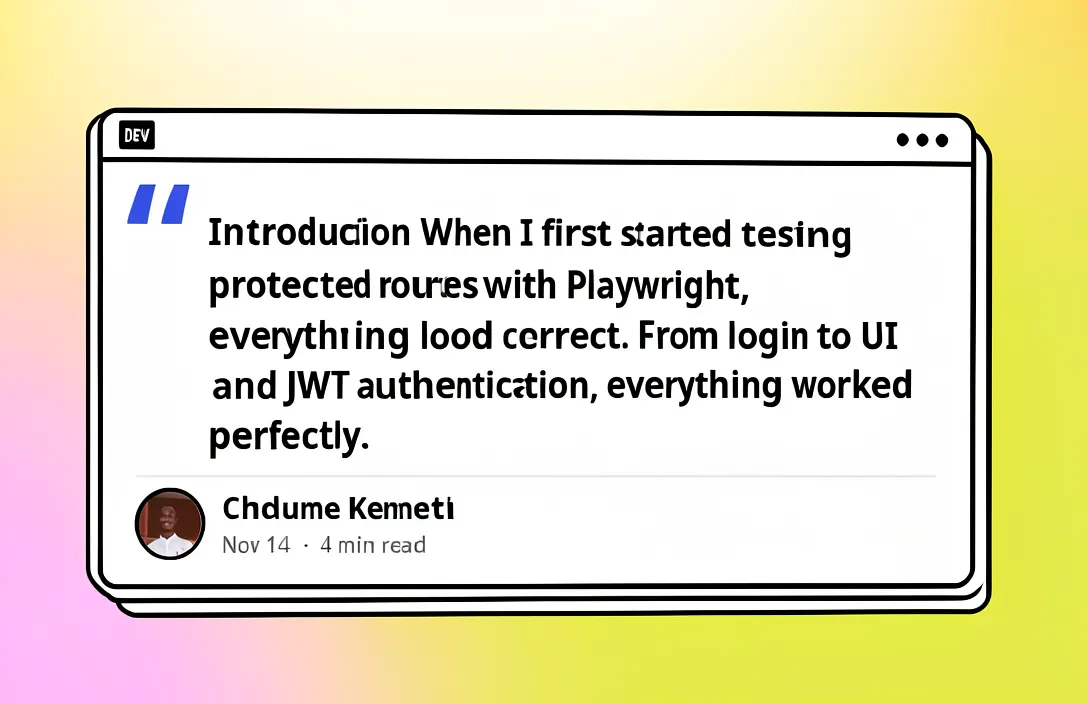

When testing protected routes with Playwright, developers often encounter 401 Unauthorized errors due to the lack of shared authentication state between tests. Each test runs in a fresh browser context, meaning cookies, localStorage, and tokens are not preserved for subsequent tests. This behavior is different from real browser usage, where a single login session maintains authentication state. As a result, tests that rely on authenticated sessions, such as accessing protected pages, fail with 401 errors (source ID: 1). [1]
A common approach that fails is running a login test first and expecting the authentication state to persist for subsequent tests. However, this does not work in Playwright because each test starts with a clean browser context. Therefore, even if a login test passes, the next test starts as a new user, leading to authentication failures (source ID: 1). [1]
To resolve this issue, developers can save the authentication state after a successful login using the storageState method. This method stores cookies, localStorage, and other authentication-related data into a file, such as auth.json. By loading this file in subsequent tests using test.use({ storageState: 'auth.json' }), Playwright can maintain an authenticated session across tests, allowing protected routes to be accessed without encountering 401 errors (source ID: 1). [1]
When testing protected routes with Playwright, developers often encounter 401 Unauthorized errors due to the lack of shared authentication state between tests. A common approach that fails is running a login test first and expecting the authentication state to persist for subsequent tests. According to a Dev.to article, this issue arises because each test runs in a fresh browser context, and therefore, there are no cookies, localStorage, or tokens available for the next test. Hence, the 401 Unauthorized error occurs, and the test eventually times out (Dev.to, 2023). [1]
Advertisement
The article explains that the problem is not with the backend logic but with how browser authentication state works during automated testing. Even if a login test is run first, the next test starts as a completely new user, leading to authentication failures. The Dev.to article highlights that running the login test and expecting another test to stay authenticated does not work as intended, resulting in failed protected route tests (Dev.to, 2023). [1]
To resolve this issue, developers can save the authentication state after a successful login using the storageState method. This method extracts and saves all authentication-related browser data, such as cookies and localStorage, into a file. The article provides an example of saving the authentication state after the login button click and using it in subsequent tests by configuring Playwright to load the saved storage state (Dev.to, 2023). [1]
When testing protected routes with Playwright, developers often encounter 401 Unauthorized errors due to the lack of shared authentication state between tests. The issue is not with the backend logic but with how browser authentication state works during automated testing. Playwright does not automatically share authentication state between tests or sessions, and each test runs in a fresh browser context, resulting in no cookies, localStorage, or tokens being available for subsequent tests. This leads to the 401 Unauthorized error when accessing protected routes (Dev.to, 1). [1]
A common approach that fails is running a login test first and expecting the authentication state to persist for subsequent tests. Even if the login test is successful, the next test starts as a completely new user, leading to authentication failures. This is because the authentication state is not preserved between tests, and the browser context is reset for each test (Dev.to, 1). [1]
Advertisement
To resolve this issue, developers can save the authentication state after a successful login using the storageState method. This method allows the current browser session, including cookies and localStorage, to be saved into a file. This file can then be loaded in subsequent tests to maintain the authentication state, ensuring that tests on protected routes can access the required resources without encountering 401 errors (Dev.to, 1). [1]
Sources
Prepared with AI assistance from the cited sources.
The Cali Reporter newsletter
The stories worth your time.
California, the country, and what comes next. Join our free newsletter for reporting that keeps you informed.
More in Technology
- Modern Web Guidance 1.0 and Browser Compatibility
Modern Web Guidance 1.0, announced by Chrome for Developers on November 10, introduces browser compatibility data to assist coding agents in building web features. The initiative emphasizes the importance of fallback…
- Apache mod_http2 Vulnerability Detection with Nmap
A new Nmap scripting module has been developed to detect the Apache mod_http2 vulnerability (CVE-2026-119618), addressing the challenges of identifying affected systems accurately.
- Securing Remote Vendor Access in Industrial Networks
Best practices for managing remote vendor access in operational technology (OT) networks emphasize controlled access points, multifactor authentication, and time-bound sessions to reduce cybersecurity risks.