Efficient Interview Management in Journalism
A structured approach to managing interview records can streamline the journalistic process, ensuring clarity and efficiency in tracking and revisiting sources.

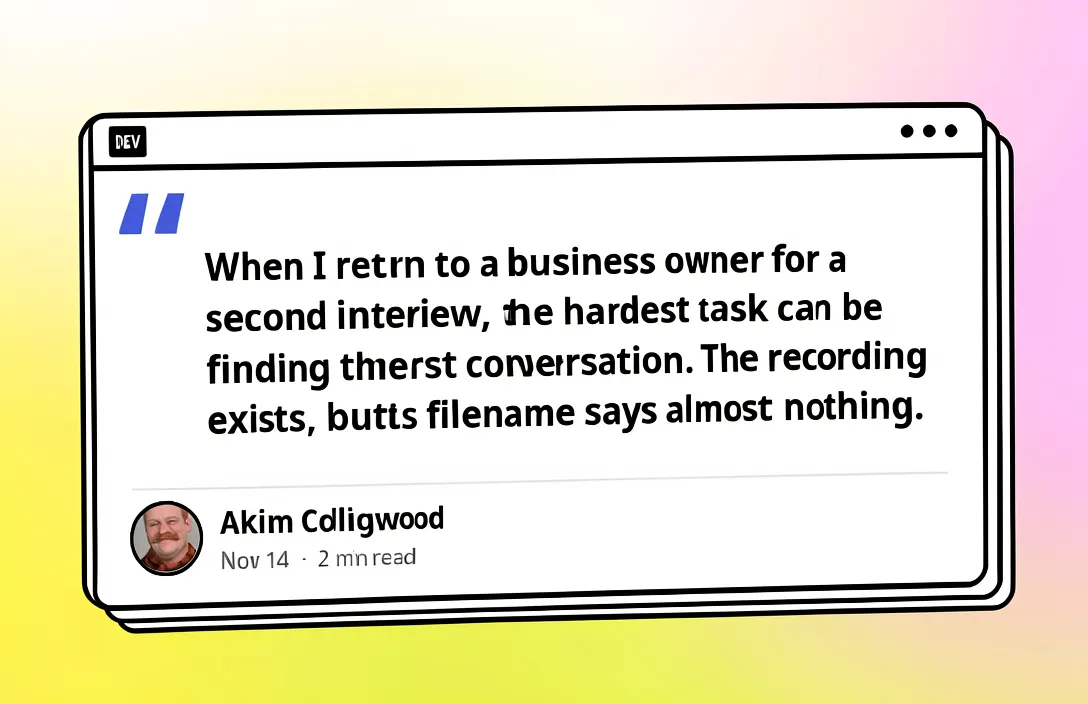

When returning to a business owner for a second interview, the hardest task can be finding the first conversation. The recording exists, but its filename says almost nothing. The transcript lives elsewhere. A question I promised to revisit is buried in a notebook. An index can make that next conversation easier without turning reporting into database administration. I would start with one CSV file and a folder of recordings. Each interview gets a stable reference such as interview-001. That reference appears in the audio filename, transcript filename, and index row. A name can change; the reference should not. Keeping the identifier separate also makes it easier to share an outline without exposing a contributor’s contact details. [1]
What belongs in the row? I use a compact structure: reference, recording date, business type, relative audio path, transcript path, follow-up topic, and next review date. Permission status deserves its own field. Empty means unknown, not yes. Sensitive contact information belongs in a separate protected address book rather than a spreadsheet that might travel with a draft or get attached to an email. The first useful script is a checker. It reads the CSV, joins each relative path to the project folder, and reports files that are missing. It also flags duplicate references and dates that cannot be parsed. Those checks catch mistakes early. [1]
They do not decide what an interview means. The writer still needs to listen, read, and make the editorial choices. A second script can produce a simple follow-up list. Compare each review date with today, then print the overdue rows and their open questions. Keep the output local and short. I want to see that an owner planned to train an assistant, not receive an automatic message claiming the training happened. Reminders are useful precisely because they send me back to the source. Search can stay plain. A small HTML page can load a prepared JSON export and filter records by topic or business type. [1]
When returning to a business owner for a second interview, the hardest task can be finding the first conversation. The recording exists, but its filename says almost nothing. The transcript lives elsewhere. A question I promised to revisit is buried in a notebook. An index can make that next conversation easier without turning reporting into database administration. I would start with one CSV file and a folder of recordings. Each interview gets a stable reference such as interview-001. That reference appears in the audio filename, transcript filename, and index row. A name can change; the reference should not. Keeping the identifier separate also makes it easier to share an outline without exposing a contributor’s contact details. [1]
Advertisement
What belongs in the row? I use a compact structure: reference, recording date, business type, relative audio path, transcript path, follow-up topic, and next review date. Permission status deserves its own field. Empty means unknown, not yes. Sensitive contact information belongs in a separate protected address book rather than a spreadsheet that might travel with a draft or get attached to an email. The first useful script is a checker. It reads the CSV, joins each relative path to the project folder, and reports files that are missing. It also flags duplicate references and dates that cannot be parsed. Those checks catch mistakes early. [1]
They do not decide what an interview means. The writer still needs to listen, read, and make the editorial choices. A second script can produce a simple follow-up list. Compare each review date with today, then print the overdue rows and their open questions. Keep the output local and short. I want to see that an owner planned to train an assistant, not receive an automatic message claiming the training happened. Reminders are useful precisely because they send me back to the source. Search can stay plain. A small HTML page can load a prepared JSON export and filter records by topic or business type. [1]
Sources
Prepared with AI assistance from the cited sources.
The Cali Reporter newsletter
The stories worth your time.
California, the country, and what comes next. Join our free newsletter for reporting that keeps you informed.
More in Technology
- Modern Web Guidance 1.0 and Browser Compatibility
Modern Web Guidance 1.0, announced by Chrome for Developers on November 10, introduces browser compatibility data to assist coding agents in building web features. The initiative emphasizes the importance of fallback…
- Apache mod_http2 Vulnerability Detection with Nmap
A new Nmap scripting module has been developed to detect the Apache mod_http2 vulnerability (CVE-2026-119618), addressing the challenges of identifying affected systems accurately.
- Securing Remote Vendor Access in Industrial Networks
Best practices for managing remote vendor access in operational technology (OT) networks emphasize controlled access points, multifactor authentication, and time-bound sessions to reduce cybersecurity risks.