Designing a One-Click Connect Flow for Cross-Platform Network Clients
A detailed exploration of the challenges and considerations in creating a simplified one-click connection process for a cross-platform network client, based on insights from Dev.to.

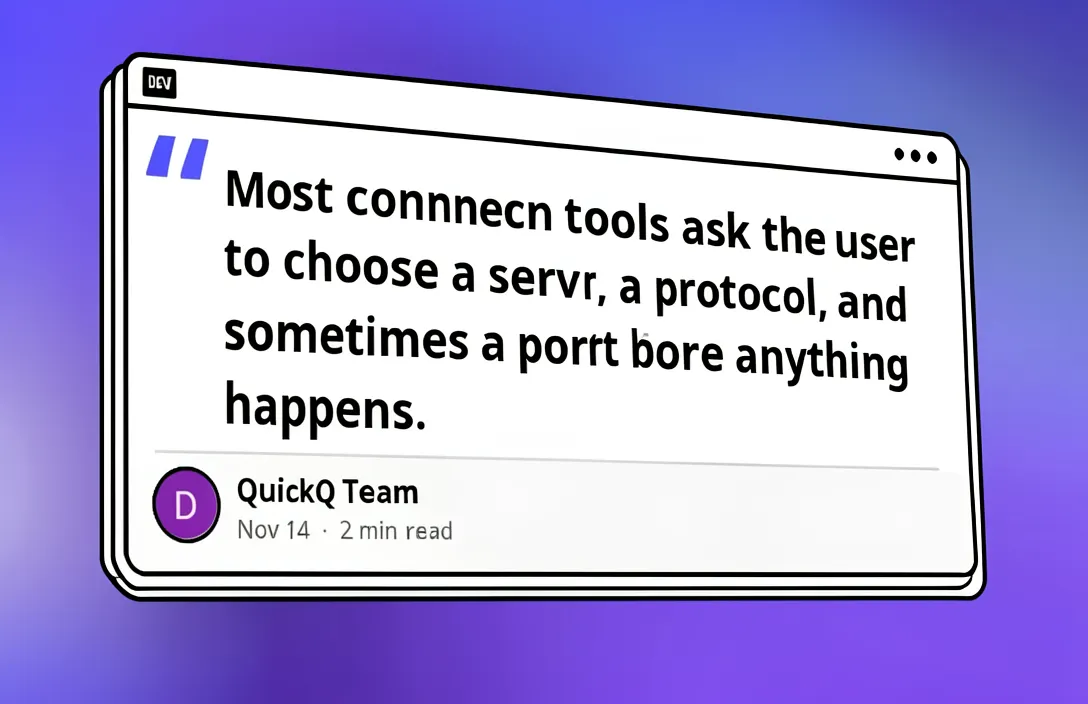

Most connection tools require users to select a server, protocol, and sometimes a port before establishing a connection. QuickQ, however, opted for a one-button approach, where the client automatically determines the best route. This decision aims to reduce the initial user friction by simplifying the first-run experience. The primary action—pressing the connect button—immediately gets the user to a working state, with protocol, route, and fallback details handled automatically (Dev.to, 1). [1]
A common challenge with this approach is error handling. If the automatic route selection fails, the client must retry different routes and communicate the process to the user. Instead of treating route selection as a ranking problem, QuickQ implemented a ladder-based system, where the client tries the current best route, then moves to the next candidate on timeout. This method ensures that the user is only presented with a choice when the entire ladder fails (Dev.to, 1). [1]
To maintain transparency, the client displays three key signals—connection state, current route, and latency. These indicators help users understand whether the connection is working without overwhelming them with technical details. The design emphasizes keeping the state visible while hiding the plumbing, such as protocol details and logs, which are only accessible if the user chooses to explore them (Dev.to, 1). [1]
The project's scope involves developing a cross-platform network client that operates on Windows, macOS, iOS, Android, and Ubuntu Linux. The tool is designed to simplify the user experience by offering a one-click connect feature, eliminating the need for users to manually select servers, protocols, or ports. The client is capable of managing up to three devices simultaneously per account, which influences both the account model and the support infrastructure. The development effort focuses on ensuring consistent behavior across all platforms, reducing the complexity of user support and maintenance. [1]
Advertisement
The client's route selection mechanism is designed as a fallback system rather than a ranking one. It attempts to connect to the best-performing route first, and if that fails, it moves to the next candidate on timeout. This approach ensures that the user is not overwhelmed with choices unless all available options fail. The system also includes a live latency readout and manual route selection for advanced users, but the default behavior remains fully automatic. This design choice aims to minimize user confusion and streamline the initial setup process. [1]
The tool's interface prioritizes showing users essential information such as connection state, current route, and latency, which are critical for understanding whether the connection is working. Additional details like protocol, handshake information, and logs are hidden from the main view to prevent overwhelming the user with technical details. The developers emphasize that the first screen should focus on the core action—connecting—rather than on settings or configurations, which are reserved for more advanced users who may need to override the default behavior. [1]
The project's history includes the evolution from a traditional multi-step connection process to a single-action, automatic setup. This shift was driven by the recognition that the initial challenge for new users is not technical knowledge but rather understanding the options presented. The one-button approach was implemented to lower the barrier to entry and improve usability. The system also includes fallback mechanisms and error handling to ensure that the client can recover from connection failures without requiring user intervention, which is crucial for maintaining a seamless experience across all platforms. [1]
QuickQ's network client operates across multiple platforms, including Windows, macOS, iOS, Android, and Ubuntu Linux, ensuring a consistent user experience across devices. The project scope involves creating a one-click connect flow, which streamlines the process of establishing a connection without requiring users to configure settings such as server, protocol, or port manually. This approach aims to reduce the initial complexity for new users who may not be familiar with technical details of network connections. [1]
Advertisement
The history of the project reflects a focus on user experience, particularly addressing the first-run problem where users are often overwhelmed by technical jargon and options. The client's design evolved to prioritize simplicity by allowing the app to make decisions about route selection, protocol, and fallback mechanisms automatically, reducing the need for user intervention. This design choice was informed by the understanding that most users are not interested in the technical details during initial setup. [1]
Documented limits of the system include the number of devices that can be connected simultaneously per account, which is capped at three across all supported platforms. This limitation influences the account model and the types of support scenarios the company must be prepared to handle. Additionally, the system relies on automatic fallback mechanisms rather than user-driven selection, which simplifies the interface but requires robust error handling and route selection logic to ensure reliability. [1]
Sources
Prepared with AI assistance from the cited sources.
The Cali Reporter newsletter
The stories worth your time.
California, the country, and what comes next. Join our free newsletter for reporting that keeps you informed.
More in Technology
- Modern Web Guidance 1.0 and Browser Compatibility
Modern Web Guidance 1.0, announced by Chrome for Developers on November 10, introduces browser compatibility data to assist coding agents in building web features. The initiative emphasizes the importance of fallback…
- Apache mod_http2 Vulnerability Detection with Nmap
A new Nmap scripting module has been developed to detect the Apache mod_http2 vulnerability (CVE-2026-119618), addressing the challenges of identifying affected systems accurately.
- Securing Remote Vendor Access in Industrial Networks
Best practices for managing remote vendor access in operational technology (OT) networks emphasize controlled access points, multifactor authentication, and time-bound sessions to reduce cybersecurity risks.