Design-to-Code Tools: What Works and What Still Fails
Design-to-code tools have made progress, but challenges remain, particularly with responsive behavior and interactive elements.

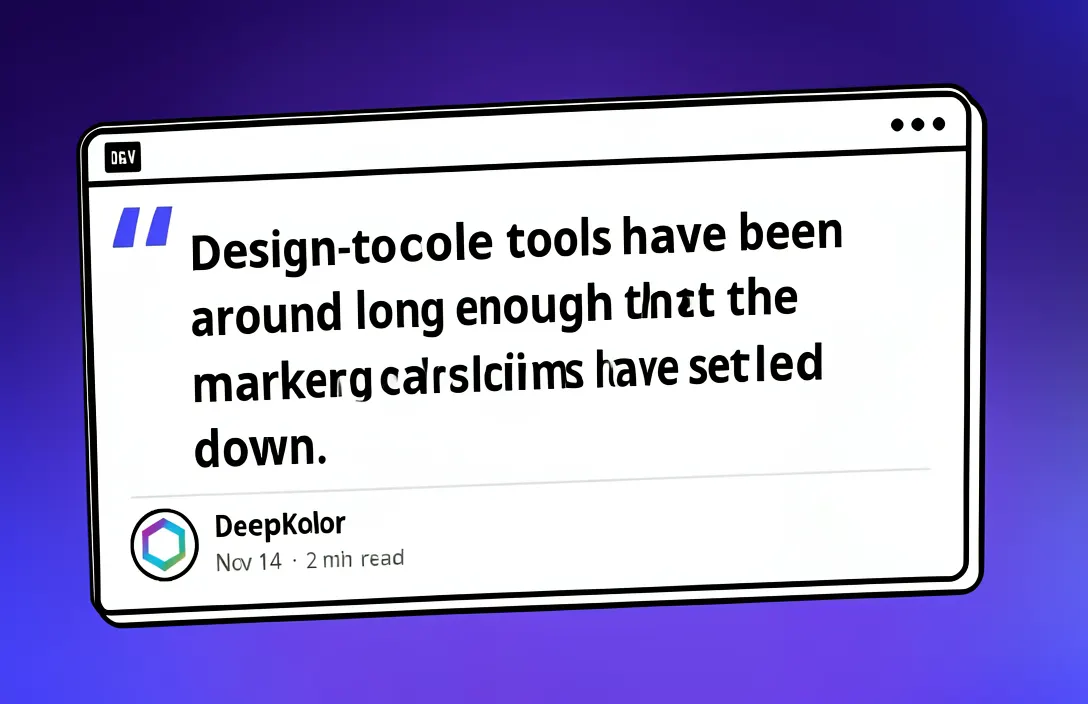

Design-to-code tools have improved over time, with static, well-structured layouts performing reliably. Marketing pages, cards, pricing tables, and dashboards with clear grids often produce output close enough to use after minimal editing, especially when the source is a clean screenshot from a design system. This reliability is supported by the consistent performance of these tools in structured environments, as noted in Dev.to (1). [1]
A notable advantage of some tools is their ability to extract styles directly from a live URL, avoiding common errors like incorrect color hex codes. This method is more accurate than analyzing screenshots, where models may misinterpret visual elements. Dev.to (1) highlights this as an underrated feature of certain design-to-code tools, improving the accuracy of style extraction. [1]
Despite these advances, responsive behavior remains a challenge. Screenshot-based tools lack the ability to understand how layouts should adapt at different screen sizes, leading to invented, rather than derived, breakpoint logic. Additionally, interactive elements like hover states, focus rings, and transitions are not captured in static images, resulting in incomplete or inaccurate components. Dev.to (1) notes these limitations, emphasizing the need for manual adjustments in these areas. [1]
A practical workflow involves using these tools to generate a component skeleton, then refining it by replacing hard-coded values with design tokens and manually handling responsive behavior. Dev.to (1) suggests that while these tools reduce the initial workload, they do not eliminate the need for critical judgment in the final stages of development. [1]
Advertisement
Design-to-code tools have improved in generating reliable code for static, well-structured layouts, such as marketing pages, cards, and dashboards with clear grids. According to Dev.to, if the source is a clean screenshot of a page built on a design system, the output is usually close enough to ship after light editing (1). This reliability is particularly evident in deterministic transformations, such as converting HTML to JSX or CSS to Tailwind, where the error rate is low and time savings are significant (1). [1]
A notable advantage of some design-to-code tools is their ability to extract styles directly from a live URL, which avoids common errors like incorrect color hex codes. Dev.to highlights that this method reads computed styles directly from a rendered page, offering a more accurate representation than relying on screenshots (1). This approach is particularly useful for developers who want to avoid the inaccuracies that can occur when models guess color values from static images (1). [1]
Despite these improvements, responsive behavior remains a challenge for design-to-code tools. As noted by Dev.to, a screenshot is a single viewport, and the model has no idea what should happen at 768px. Any breakpoint logic in the output is invented, not derived, and it shows (1). This limitation means that developers must often manually handle responsive behavior after generating the initial component skeleton (1). [1]
Design-to-code tools have made progress in generating reliable code for static, well-structured layouts such as marketing pages, cards, and dashboards with clear grids. According to Dev.to, if the source is a clean screenshot of a page built on a design system, the output is usually close enough to ship after light editing. A notable advantage of some tools is their ability to extract styles directly from a live URL, which avoids common errors like incorrect color hex codes (Dev.to). [1]
Advertisement
Despite these improvements, responsive behavior remains a challenge for design-to-code tools. A screenshot is a single viewport, and the model has no idea what should happen at 768px. Any breakpoint logic in the output is invented, not derived, and it shows (Dev.to). [1]
Interaction and state, such as hover states, focus rings, transitions, and loading states, are not captured in static images. Users only get the resting state and nothing else. Overlapping or absolutely positioned elements also pose challenges, as the generated markup may use hard-coded positions that will not survive real content (Dev.to). [1]
Sources
Prepared with AI assistance from the cited sources.
The Cali Reporter newsletter
The stories worth your time.
California, the country, and what comes next. Join our free newsletter for reporting that keeps you informed.
More in Technology
- Modern Web Guidance 1.0 and Browser Compatibility
Modern Web Guidance 1.0, announced by Chrome for Developers on November 10, introduces browser compatibility data to assist coding agents in building web features. The initiative emphasizes the importance of fallback…
- Apache mod_http2 Vulnerability Detection with Nmap
A new Nmap scripting module has been developed to detect the Apache mod_http2 vulnerability (CVE-2026-119618), addressing the challenges of identifying affected systems accurately.
- Securing Remote Vendor Access in Industrial Networks
Best practices for managing remote vendor access in operational technology (OT) networks emphasize controlled access points, multifactor authentication, and time-bound sessions to reduce cybersecurity risks.